
Guide
Build a Campaign Brain in Claude: The 45-Minute Setup
Stop re-briefing the same brand context every Monday. One Claude Project, built once, that already knows your brand book, your offers and your voice — here’s the exact 45-minute build.

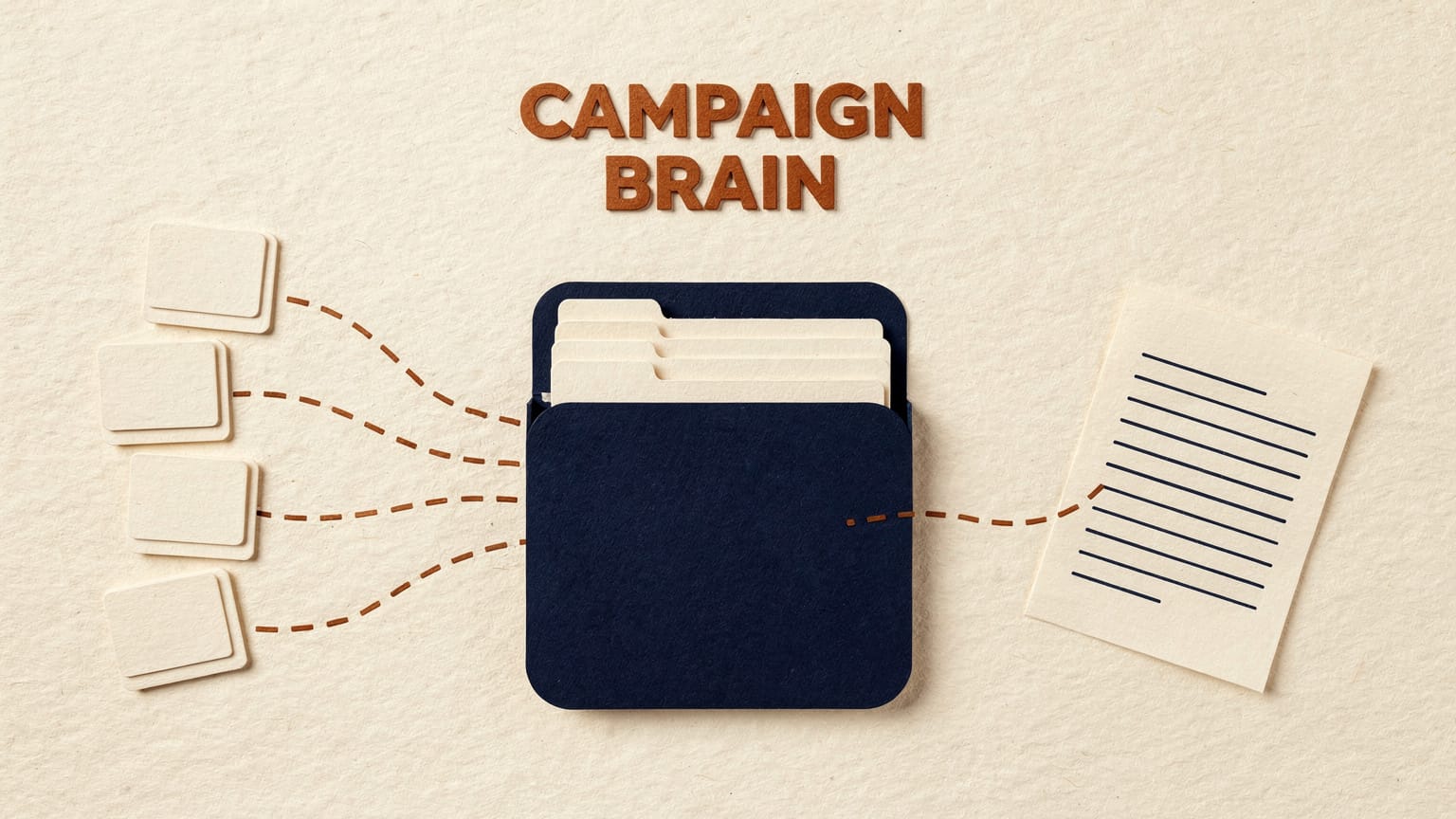
A Campaign Brain is a Claude Project, set up once, that permanently holds your brand book, current offers, tone samples, audience notes and best-performing past work. You open it, drop in a brief, and the output already sounds like your brand — no re-pasting guidelines, no “make it sound less corporate” round three. The build takes about 45 minutes: gather five files, create the project, load the knowledge base, write under a page of project instructions, optionally add a Style, then stress-test it with a real brief.
Every Monday, someone on the team opens a new Claude chat, pastes in the brand guidelines, pastes in the last three campaigns, explains the tone one more time, and only then starts the actual brief. Multiply that by every writer, every client, every week. That’s the re-briefing tax, and it’s the single biggest reason AI output still comes back sounding generic.
A Campaign Brain fixes this. It’s not a new tool. It’s a Claude Project, set up once, that permanently holds your brand book, your current offers, your tone samples, your audience notes and your best-performing past work. Open it, drop in a brief, and the output already sounds like you. No re-explaining. No hunting for the brand PDF. No “make it sound less corporate” round three.
This guide is the exact 45-minute build. Block out the time, have your files ready, and you’ll have a working Campaign Brain by the time you’re done. If prompting itself is still the shaky part, start with our short course on prompting basics — this piece is where a good prompt stops being retyped.
What you need before you open Claude
Gather these five things first. Setup goes faster if they’re ready as files, not memories.
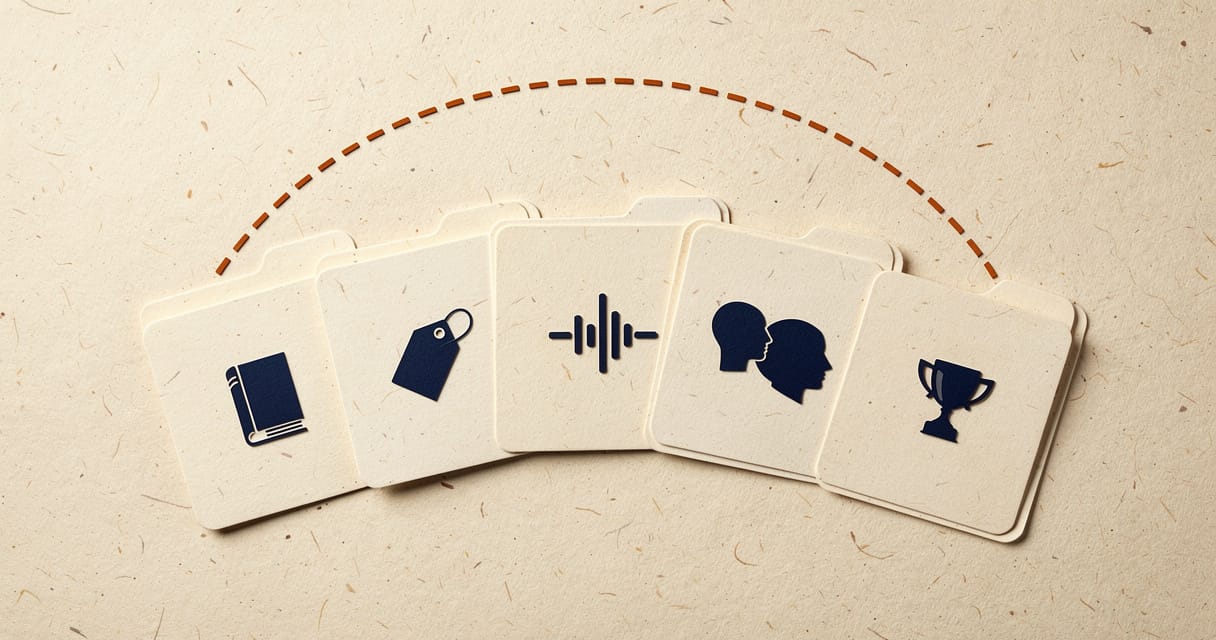
- Brand book or style guide. Whatever you have, even if it’s two pages. Tone, banned words, formatting rules, logo and colour usage if relevant to copy.
- Current offers and pricing. The facts Claude must never guess at. Package names, prices, dates, inclusions.
- Tone samples (wins and rejects). Five to ten pieces that sound exactly right, and two or three that missed and got sent back for a rewrite. The rejects matter as much as the winners; they teach Claude what to avoid.
- Audience notes. Who you’re writing for, in plain language. Not a 40-slide persona deck — a page of who they are, what they care about, what annoys them.
- Past winners. The campaigns, emails, or posts that actually performed. Include the results if you have them, e.g. “this email got 3x the click rate of our average.”
If you’re missing one of these, build the Brain anyway with what you have and add the rest later. A four-fifths-complete Campaign Brain still beats zero context.
Minutes 0–5: create the project
Open Claude, go to Projects, and create a new one. Name it for the brand or client, not the task: “Acme Hotels: Campaign Brain,” not “July content.” You want this to be a permanent home, not a one-off folder.
Write a one-line description while you’re there: what this Brain is for and who’s allowed to use it. That description is the first thing anyone sees when they open it, so make it useful. Something like: “Campaign Brain for Acme Hotels. Load new offers here before briefing. Check with [name] before editing instructions.”
Minutes 5–20: load the knowledge base
Upload your five files, or however many you’ve got, into the project’s knowledge base. A few rules that save you trouble later:
- 01
Name files for what they are
“Acme-Brand-Book-v3-2026.pdf,” not “final final brand doc.pdf.” Claude retrieves relevant sections at query time rather than reading everything at once, so a clearly named file gets found faster and referenced more accurately.
- 02
Split, don’t dump
A single 40-page PDF with everything in it works, but five focused files (brand book, offers, tone samples, audience notes, past winners) let Claude pull the right one instead of searching a single mega-document.
- 03
Leave out anything that changes daily
If a price list updates every week and nobody owns keeping it current, don’t put it in the knowledge base. Link to it, or paste it fresh into the brief instead. Stale data in a Campaign Brain is worse than no data, because it reads as confident and wrong.
- 04
Check the file size
Claude Projects cap individual files at 30MB. Anything bigger, split it or convert to text first.
On a paid plan (Pro, Max, Team or Enterprise), once your knowledge nears the project’s context limit, Claude automatically switches on Retrieval Augmented Generation (RAG), expanding what the project can hold by roughly 10x with no action from you. You don’t need to manage it, but don’t treat it as licence to dump everything you own. Tight and curated beats big and messy.
Stale data in a Campaign Brain is worse than no data, because it reads as confident and wrong.
Minutes 20–35: write the project instructions
Before you write these, know where context lives. Claude gives you three separate places, and keeping them apart is what prevents chaos: Preferences (account-wide, about you, your role, your working style), Project instructions (scoped to this one brand: tone rules, banned words, formats), and Skills (reusable task formats you call inside any project). Brand rules belong in the instructions, not a skill, or they won’t travel with the brand.

If those three words are new, our plain-English guide to agents, MCP and Skills covers what each layer actually does. Otherwise, carry on.
This is the part people rush, and it’s the part that matters most. Project instructions are the rules Claude follows in every single chat inside this project, the persistent brief-behind-the-brief. Structure them like this:
- 01
Role
One line on who Claude is being in this project. For example: “You are a campaign copywriter for Acme Hotels, working from our brand book and past campaigns.”
- 02
Voice rules
Three to six bullets, specific, not vibes. “Short sentences. Second person. No exclamation marks in subject lines. AU/UK spelling.”
- 03
Do / don’t list
The highest-leverage part of the whole setup. A clear “never” can steer harder than a “please do”: “Never use the word ‘luxury.’ Use ‘considered’ or ‘well-appointed’ instead. Never invent a price or date. Flag it if the brief doesn’t give one.”
- 04
Output format
What shape you want things in by default. “For email requests, give a subject line, preview text, and body. For social, give three caption variants of different lengths.”
- 05
Escalation rule
What Claude should do when it’s missing information. “If the brief doesn’t specify an offer end date, ask before drafting. Don’t guess.”
Keep the whole thing under a page. Anything universal, true of your business no matter the project, goes in your personal Claude preferences, not here. This document is only for what’s specific to this brand.
Minutes 35–40: add a Style (optional but worth it)
Claude’s Styles feature sits alongside project instructions rather than replacing them: instructions hold the hard rules, a Style holds the feel.
Create a custom Style and give it five to ten of your best-performing pieces. The same “winners” you loaded into the knowledge base work well here. Claude pulls a tone from the samples so you don’t have to describe it in adjectives. Set the Style as this project’s default. Short on time? Skip it. This one’s a refinement, not a requirement.
Minutes 40–45: stress-test it
Don’t ship it untested. Give it a real, slightly messy brief, the sort you’d genuinely get from a client or account manager, and see what comes back. Something like: “New offer: 20% off winter weekend packages, book by end of August, stay any time before October. Need an email, three Instagram captions, and a landing page intro paragraph.”
If it misses, sharpen the instructions rather than scrapping the approach. The first test is a first draft of the Brain itself, not a verdict on it — the same iterate-don’t-restart habit that makes individual prompts work, covered in prompting basics.
The maintenance rhythm
A Campaign Brain decays like any shared document: quietly, until someone notices the output has gone stale. Give it a rhythm instead of leaving it to chance.

| Cadence | What you do |
|---|---|
| Weekly | Add new offers, drop the expired ones. |
| Monthly | Fold in one or two new “winners” from whatever shipped and actually performed. That’s what keeps the pattern library current. |
| Quarterly | Re-read the brand book and instructions end to end. Brands drift over a year — make sure the Brain drifts with it, not against it. |
Assign this to a named owner. “Someone will update it” means nobody does.
Common mistakes
- Treating it like a chat, not a workspace. If you’re pasting context into the message box instead of the knowledge base, you’ve built a chat with extra steps, not a Campaign Brain.
- One giant project for everything. A Campaign Brain per brand or major client beats one mega-project trying to hold five clients’ worth of conflicting tone rules.
- No owner. Someone needs to be responsible for keeping it current, or it turns into exactly the stale, generic mess it was built to prevent.
- Confusing this with Claude Cowork. Cowork is Anthropic’s separate, more agentic tool for executing multi-step tasks on your machine; as of mid-2026 its projects are local and not yet team-shareable. For a shared brand asset like this, the Claude Projects workspace described here is the right tool.
Getting this right at scale
This is the exact structure LOKAL uses internally: the agency runs on Claude end to end, and it’s the same playbook we run for clients. Want it built live on your own brand, with someone experienced beside you instead of a blog post? That’s the first half of our Claude for Marketing training. We’ve trained over 5,000 people across the Philippines and Australia since 2017, and one pattern holds: teams that get a real Campaign Brain running in week one still use it in month six. Teams that skip to prompting usually don’t.
If you’d rather have someone else build and maintain the Brain for you, that’s what our AI consulting work covers. Training a wider team? AI training in the Philippines is the same content for groups. And if you’re still deciding which AI tools deserve a seat in your stack before you invest the setup time, our AI tools page is a decent starting point.
We wrote more about why we standardized on Claude for this kind of work in Why we chose Claude over ChatGPT, including the hotel content project that cut a two-week production timeline down to three days once the brand context was properly loaded.
Keep going: the AI guides hub has the rest of the marketing series, and the Insights archive carries everything else the team publishes.
FAQ
Common questions
Do I need a paid Claude plan to build a Campaign Brain?
No. Projects are available on the free plan, capped at five projects total. You’ll want a paid plan (Pro, Max, Team or Enterprise) once your knowledge base is substantial, since that switches on the automatic RAG scaling, and you’ll need Team or Enterprise specifically if you want to share the Brain with colleagues.
How is this different from just pasting the brand guide into every chat?
Pasting works once. A Campaign Brain works every time, for everyone with access, without anyone needing the file saved locally or remembering to attach it. It also compounds — every past winner you add makes the next output better, where pasting starts from zero each time.
Can one Campaign Brain handle more than one client or offer?
It can hold more than one offer without trouble. It struggles with more than one brand voice. If two clients have genuinely different tones, build two Brains rather than one that tries to switch personalities mid-conversation.
What’s the difference between a Campaign Brain and Claude Cowork?
A Campaign Brain is a Claude Project, built for persistent knowledge and team sharing. Cowork is Anthropic’s agentic tool for getting tasks actually done on your desktop. Use the Project for “remember our brand and offers.” Use Cowork for “go do this multi-step task.” They’re complementary, not competing.
Keep reading
Related reading
Done-for-you
Want the Brain built on your brand, not a worked example?
We build and maintain Campaign Brains for clients — knowledge base, instructions, Styles and the maintenance rhythm — then train the team who’ll use them. The same setup LOKAL runs on its own accounts.